SURGE SYSTEMS β€’ Authorized Canadian IT Reseller β€’ Brampton & GTA

Enterprise IT Hardware & B2B Procurement

Live Canadian-channel stock, genuine OEM warranty, and direct commercial fulfillment for laptops, workstations, networking, and business IT solutions across Canada.

Live Canadian Warehouse Stock Official OEM Warranty Direct Sales: (647) 490-1725
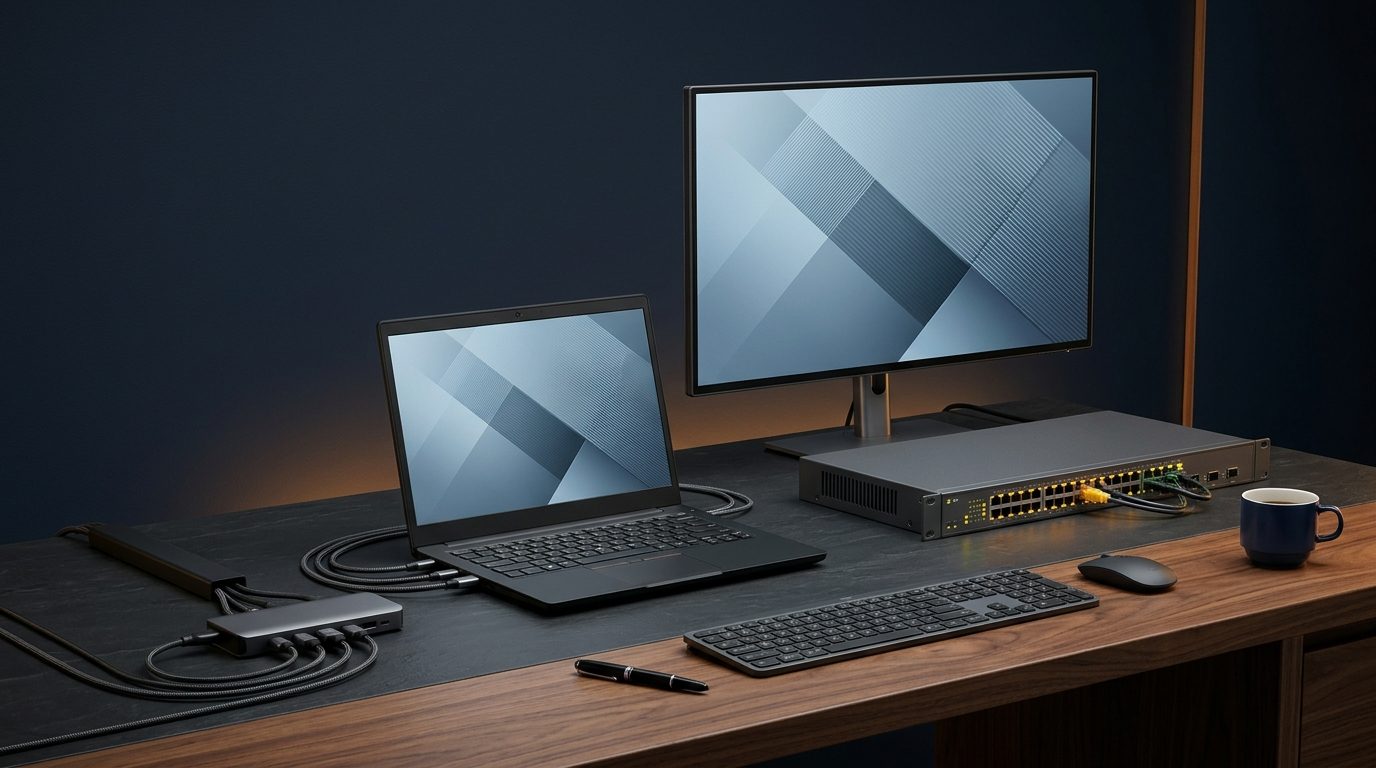
Commercial business laptop, enterprise rackmount switch, workstation monitor, and USB-C dock
Workstations β€’ Enterprise Switches β€’ Displays Canadian Channel Ready
Home › Cybersecurity & IT Tips
Essential Cyber Hygiene

6 Habits That Prevent 95% of Office Cyber Attacks

Simple, non-technical steps every Canadian business owner and employee should put in place today.

Priority #1
πŸ”

Turn On Multi-Factor Authentication (MFA)

Passwords alone get leaked constantly. Enabling Authenticator app MFA on Microsoft 365, Google Workspace, banking, and VPN logins blocks automated account takeoversβ€”even if an attacker guesses your password.

πŸ’‘ Quick check: Verify every staff email account has MFA enforced, not optional.
Ransomware Defense
☁️

Follow the 3-2-1 Backup Rule

Keep 3 copies of accounting, payroll, and client files across 2 storage types, with at least 1 encrypted offsite copy isolated from your local network so ransomware cannot encrypt your backups too.

πŸ’‘ Quick check: Test restoring one real file every monthβ€”an untested backup is a gamble.
Email Threats
🎣

Pause Before Clicking Urgent Invoices or Links

Phishing emails often impersonate Microsoft, Canada Post, CRA, or a supplier requesting an "urgent EFT update." Hover over the sender address and confirm unexpected payment changes by calling a known phone number.

πŸ’‘ Quick check: Look closely for subtle lookalike domains (e.g., rnicr0soft.com).
System Updates
πŸ”„

Never Postpone Windows, macOS & Router Updates

Attack bots scan small business internet IPs daily for unpatched flaws in browsers, PDF readers, firewalls, and Windows. Scheduling automated weekly reboots closes critical vulnerabilities automatically.

πŸ’‘ Quick check: Restart your workstation properly at least once a week so patches finish installing.
Network Safety
πŸ“Ά

Separate Office Wi-Fi From Visitor Wi-Fi

Never give contractors, guests, or personal phones the same Wi-Fi password your point-of-sale terminals or office servers use. Use an isolated Guest SSID with WPA2/WPA3 business security.

πŸ’‘ Quick check: Ensure default admin passwords on your office router and firewall are changed.
Access Control
πŸ”‘

Stop Reusing Passwords & Remove Old Staff Logins

Use a business password manager so every portal gets a unique 14+ character passphrase, and immediately revoke email, VPN, and SaaS accounts the same hour an employee leaves the company.

πŸ’‘ Quick check: Audit shared admin accountsβ€”everyone should have their own individual login.
Quick Troubleshooting

Simple IT Tips & Tricks You Can Try in 2 Minutes

Try these safe quick steps before an everyday glitch stalls your workday. Still stuck? Call our Brampton desk anytime.

🐌

PC or Laptop Feels Sluggish?

Hold Ctrl+Shift+Esc to check Task Manager > Startup Apps and disable unused programs, ensure at least 15% free drive space, and do a full Restart (Windows "Shut Down" uses Fast Startup instead of clearing memory).

Need an SSD/RAM tune-up? →
πŸ–¨οΈ

Network Printer Keeps Showing "Offline"?

Power-cycle the printer and check its IP matches your router. Best permanent trick: assign a DHCP Reservation (Static IP) in your router so Windows stops losing track of the printer whenever power flickers.

Let our team configure it →
🌐

Zoom / Teams Calls Keep Freezing?

Plug critical desks or boardrooms in via Ethernet cable, move Wi-Fi routers off floors/metal cabinets, and turn off large cloud sync uploads during live video meetings. Persistent drops often indicate firewall QoS or Wi-Fi dead zones.

Fix Wi-Fi coverage →
πŸ”‹

Frequent Power Flickers Corrupting Files?

Plug computers, modems, and NAS drives into a battery backup UPS (not a plain power bar) so brief blackouts never corrupt accounting databases or kill Wi-Fi mid-transaction.

Browse UPS battery backups →
Knowledge Base

Frequently Asked Questions About Common IT & Security Issues

Click any question below to read our engineering guidance (or use Ctrl+F / Find in Page to search all answers).

We clicked a suspicious link or got a fake Microsoft 365 password prompt β€” what should we do immediately?

1. Disconnect from Wi-Fi / unplug Ethernet on that workstation right away to isolate potential malware spread. 2. Using a separate clean device (not the affected PC), reset the user’s Microsoft 365 / email password and click Sign out of all active sessions inside admin settings. 3. Check Outlook Rules & Forwardingβ€”attackers routinely hide stealth inbox rules that copy invoices silently. Contact our technical support desk at (647) 490-1725 or use our self-service guides to verify your tenant is clean.

Is the free antivirus built into Windows enough to protect a small business?

Built-in Windows Defender is decent for casual home browsing, but businesses face targeted phishing, credential theft, and zero-day ransomware that disable local antivirus before encrypting servers. Business environments benefit from centrally managed EDR (Endpoint Detection & Response) with automated behavioral isolation and real-time alerts before data is lost.

Why does our office internet slow down every afternoon even though we pay for high-speed fiber?

Three common culprits: (a) A single desktop syncing large OneDrive/Dropbox backups saturating upload bandwidth, (b) consumer-grade routers overheating under 15+ simultaneous wireless devices, or (c) unsegmented Wi-Fi where guest phones and cameras compete on congested 2.4 GHz channels. Plug one laptop straight into the modem with Ethernet to compare speed; if wired speed is fast, upgrading to business-class firewall QoS and ceiling-mounted access points solves it permanently.

Why is my work laptop suddenly loud, hot, or shutting down during video meetings?

Dust blocking internal cooling fans, degraded thermal paste, or working on soft surfaces (couches/carpets) causes CPUs to overheat and throttle speed dramatically. Clean the exhaust vents with short bursts of compressed air while powered off, check Task Manager for runaway Chrome/Teams processes, and avoid leaving laptops sleeping in tight zippered bags. If overheating persists, contact us for hardware diagnostics or replacement planning.

When should we repair or upgrade a slow office computer versus replacing it?

As a rule of thumb in Canada: if a PC is under 3–4 years old with a solid CPU (e.g., Intel Core i5 10th Gen+) and just suffers from low RAM (8 GB) or an old spinning hard drive, upgrading to 16 GB RAM and a fast NVMe SSD costs a fraction of a new system and feels night-and-day faster. If a machine is 5+ years old, lacks Windows 11 TPM 2.0 support, or has motherboard/battery issues, replacing it eliminates downtime and warranty risk.

How can we stop employees from accidentally losing files if a laptop is stolen, dropped, or coffee-spilled?

Combine two simple protections: (1) Full-Disk Encryption (BitLocker / FileVault) so nobody can read data off a stolen SSD, and (2) Automated Cloud Folder Sync + Offsite Backup (Known Folder Move to OneDrive / Google Drive plus server backup) so signing into a replacement laptop restores Desktop & Documents within an hour.

Can you assist with commercial hardware procurement and Microsoft 365 licensing?

Yes! We supply commercial laptops, enterprise networking, and genuine Microsoft 365 cloud licensing with automated fulfillment across Canada. We assist business clients with volume hardware purchasing, configuration defaults, and staged office rollouts.

B2B IT Solutions & Procurement

Need Commercial Hardware or Microsoft 365 Licensing for Your Team?

Surge Systems delivers authorized Canadian hardware fulfillment, volume fleet discounts, and commercial cloud licensing tailored for growing Canadian businesses.

Request Hardware Quote → πŸ“ž Call (647) 490-1725